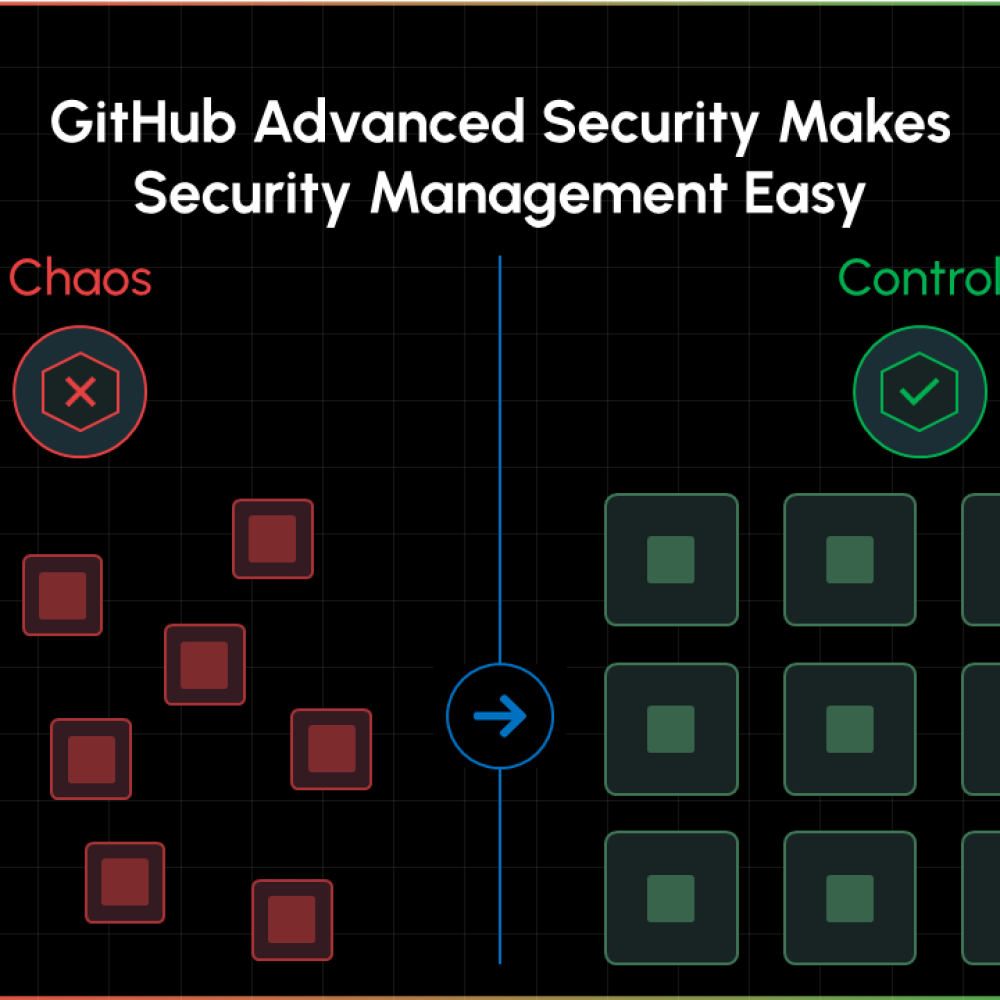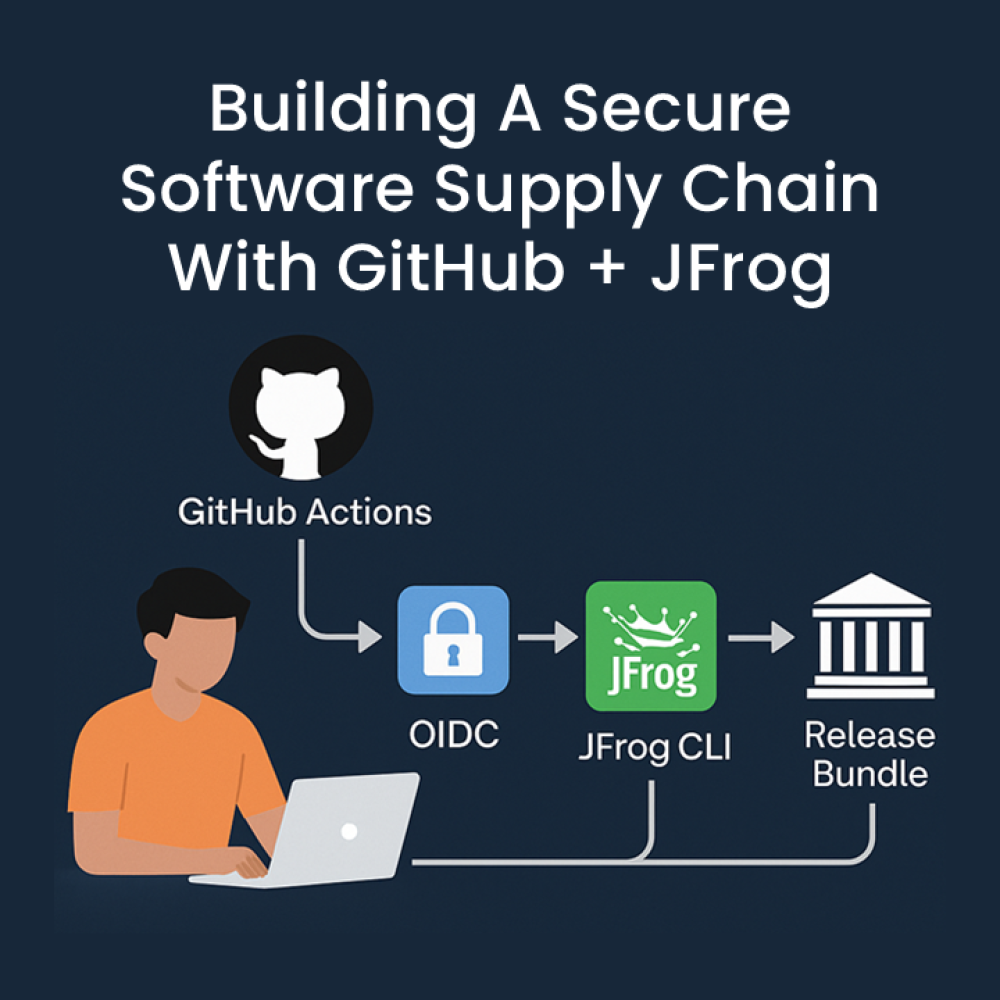
How do you secure GitHub organisations at scale without losing control? Between token sprawl and manual workarounds, the friction was clear: enterprise-scale security requires more than just automation, it requires centralised governance & authority driven top-down.
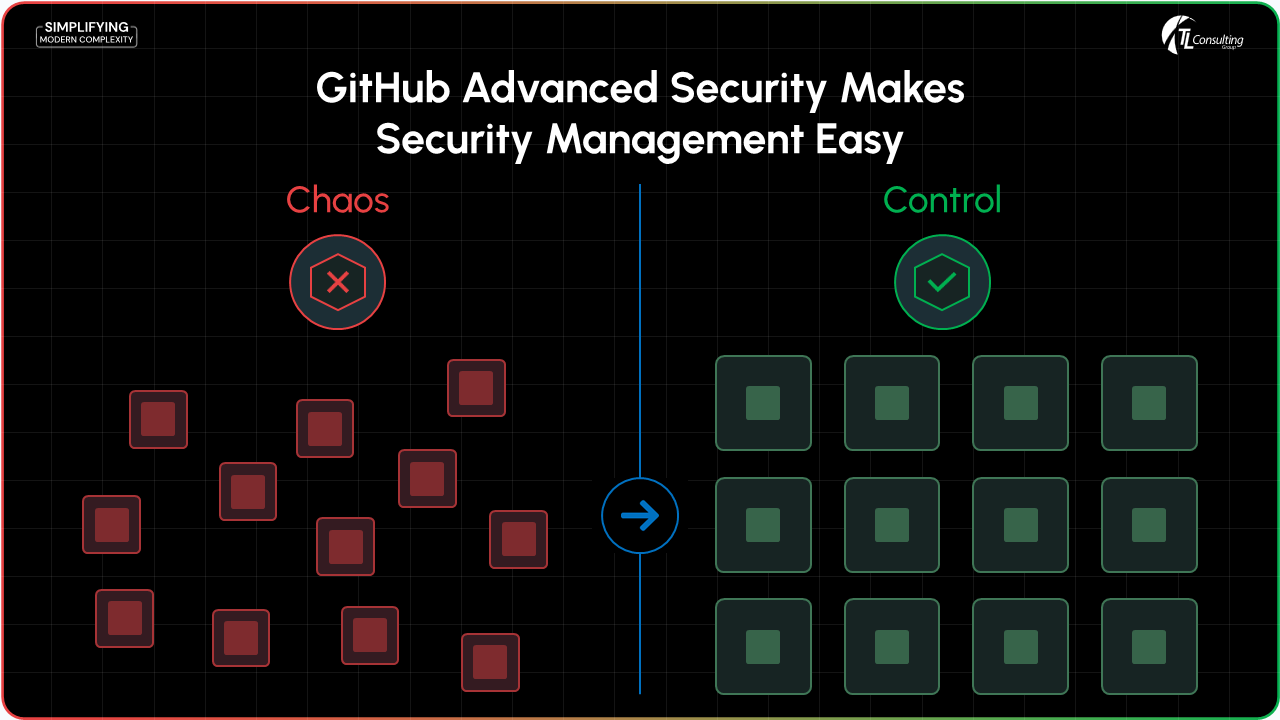
The "Before" Problem
Managing CodeQL, secret scanning and Dependabot at scale surfaced a set of familiar pain points:
- Automation required manual steps at the org level (such as generating tokens with org-owner permissions)
- Violated least-privilege principles and increased risk exposure.
- Token sprawl, expirations and rotations added significant operational overhead.
- Security dashboards lacked any enterprise-wide visibility.
What’s New in GitHub Enterprise
GitHub introduced enterprise-level governance features (public preview) that materially change how we operate:
- Enterprise teams can now be assigned to multiple organisations for consistent access management.
- Create/assign custom enterprise roles to teams and users.
- Enterprise Security Manager (ESM) role provides centralised security administration without org-owner rights.
- Org/repo admins can assign roles to enterprise teams within their scope (they cannot remove owner-granted permissions).
Learn more: Managing roles and governance via enterprise teams (public preview).
Note: This is a public preview on GitHub Enterprise Cloud (GHEC). Some features may evolve before GA and are not available on GitHub Enterprise Server (GHES).
The "After" Solution
With these capabilities, we reshaped how we manage security settings at the enterprise scale:
- Centralised security configurations: Define a baseline once and apply consistently across all orgs.
- Least-privilege administration: Assign ESM at the enterprise level to manage alerts and settings across organisations.
- Enterprise-wide visibility: Use the security dashboards and APIs to manage code scanning, secret scanning and Dependabot alerts centrally.
- Reduced token footprint: Eliminate the need for broad org-owner tokens, reducing risk and complexity.
Implementation Guide
- Establish a security team and ensure the team has the ESM privilege. The team will need to govern and allow just enough access, just in time to assist engineering teams and relevant users to the GitHub repositories and relevant assets.
- Define and apply security configurations.
For example, you could enable secrets scanning on your repositories at an organisation level that looks for a project specific customer secret or alternatively provide an enterprise wide configuration for secrets scanning on all repositories within an enterprise that follows a regex pattern. - Monitor enterprise-level dashboards and APIs to track alerts, settings and bypass requests.
- Train org admins on how to assign roles to enterprise teams and manage exceptions.
Lessons Learned & Recommendations
- Start with a strong baseline: Use GitHub-recommended security configurations as your default posture then adapt them to your enterprise requirements and security policies.
- Prefer teams over individuals: Assign roles to enterprise teams for consistency and auditability.
- Minimise privileges: Use ESM to avoid organisation-owner tokens.
- Iterate: Revisit configurations as new capabilities roll out.
Outcomes
Since adopting enterprise teams and the ESM role, we’ve:
- Streamlined security configuration rollouts by removing per-org manual steps.
- Reduced token management complexity and risk.
- Improved consistency and compliance across organisations at scale.
- Gained enterprise-wide visibility into security posture and alerts.